
Home
Mermaid Chart makes diagramming simple: create and edit flowcharts, sequence diagrams, and more online
Introduction
Mermaid Chart makes diagramming simple: create and edit flowcharts, sequence diagrams, and more online. Collaborate in real time and save hours.
Overview
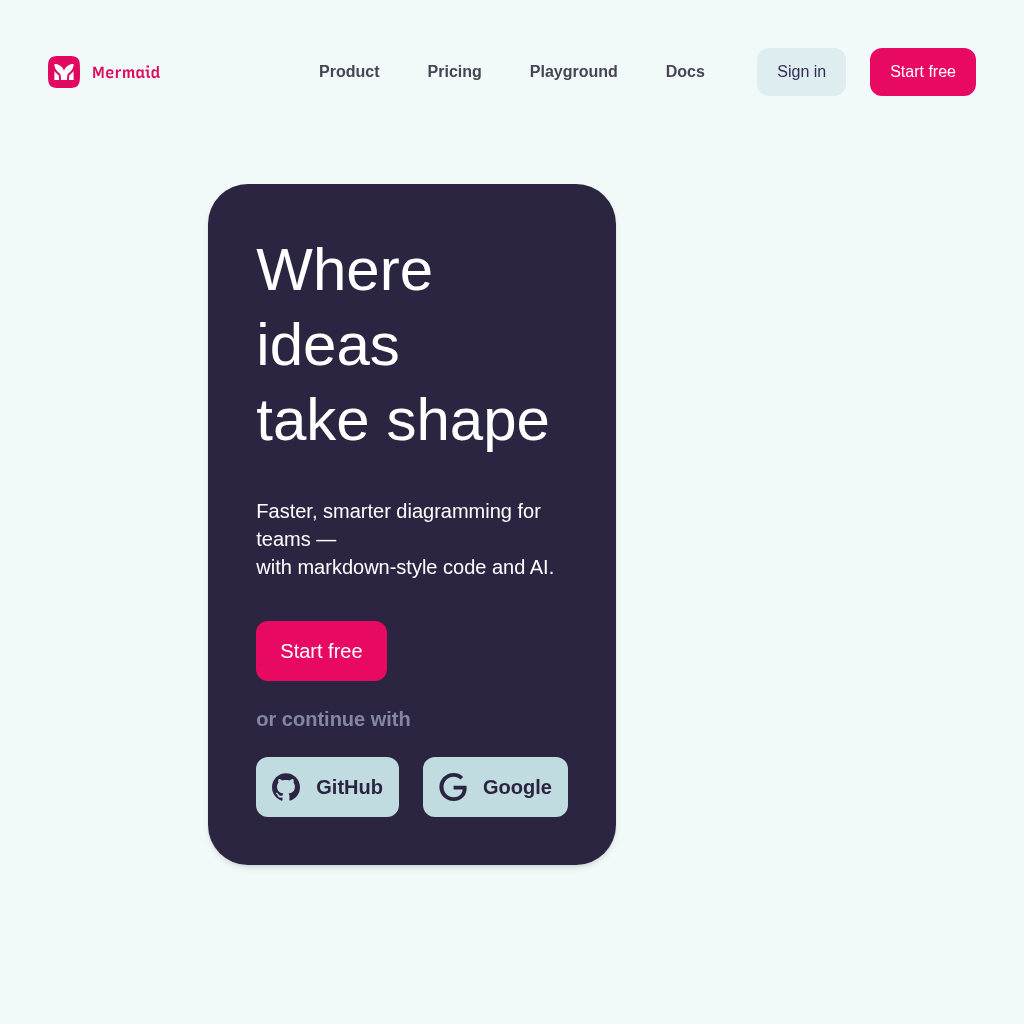
Mermaid Chart is a diagramming tool designed for teams. It allows users to create and edit flowcharts, sequence diagrams, and more using markdown-style code and AI, streamlining the diagramming process. It enables faster, smarter diagramming, providing features such as Mermaid AI for building complex visuals from text and data, Mermaid JS for generating portable diagrams, and Mermaid Whiteboard for precise design on an infinite canvas. Mermaid Chart solves the problem of time-consuming and complex diagram creation by offering an intuitive and collaborative platform, empowering teams to visualize ideas efficiently and effectively, ultimately saving time and improving communication.
Key Features
Frequently Asked Questions
Pros & Cons
Advantages
- Faster, smarter diagramming for teams.
- Diagrams from markdown-style code.
- Offers AI-powered visual creation.
- Integrated with Mermaid JS.
- Provides a playground.
- Offers a dark mode.
- Trusted by many developers.
- Large user base (82.1k stars).
Disadvantages
- Reliance on markdown-style code may have a learning curve.
- AI features may have limitations or costs.
- No information about the free plan.
Use Cases
- Creating flowcharts for software development or business processes
- Generating diagrams for technical documentation
- Visualizing project plans and timelines
- Designing user interface (UI) and user experience (UX) flow
- Developing diagrams for presentations and reports
- Creating and sharing diagrams within teams for collaboration
- Building diagrams for educational materials and tutorials
- Generating sequence diagrams, state diagrams, and other specialized diagrams
- Using AI to generate complex visuals from text and data
- Designing diagrams with precision on an infinite digital canvas
Who Is It For?
- Software Developers
- Technical Writers
- Project Managers
- Business Analysts
- UX/UI Designers
- Educators and Trainers
- Students
- Consultants
- Teams needing better diagramming for collaboration
- Organizations using tools like Microsoft, Google, Shopify, Accenture, Klarna, Airbnb, Lyft, Uber, ADP, Coca Cola, IBM, and Deloitte.
Analytics Overview
Last updated June 8, 2026
Visits Over Time
Traffic Sources
Geography
Top Keywords
Explore more features and start using Home
Related Products
Check out these similar products you might be interested in
Roblox
Roblox is the ultimate virtual universe that lets you create, share experiences with friends, and be anything you can imagine. Join millions of people and discover an infinite variety of immersive exp
Suno | AI Music
Create stunning original music for free in seconds using AI. Make your own masterpieces, share with friends, and discover music from artists worldwide.
Free Text to Speech & AI Voice Generator | ElevenLabs
Create lifelike speech with our AI voice generator and text to speech. 1000s of voices in 70+ languages with secure, scalable APIs and SDKs.
DolphinRadar: All-in-One Instagram Tracker and Analyzer
Boost your Instagram strategy with DolphinRadar. Analyze follows, likes & audience trends with AI—fast, private, and 100% platform compliant.
UploadHaven - File Sharing Made Simple
UploadHaven - File Sharing Made Simple
Build Apps with AI in Minutes | Base44
From idea to live app in minutes. Base44 gives you the tools to launch fully-functional apps - no code, no setup, no hassle.
Kilo Code - The best AI coding agent for VS Code and JetBrains
Write code more efficiently by generating code, automating tasks, and providing suggestions
Plus AI presentation maker | Stop making slides the old way
Create stunning presentations in minutes with Plus AI, the top-rated AI presentation maker for PowerPoint and Google Slides. Built for pros. Start your free 7-day trial today.